The Heart of the Studio: Finding a Good CPU for Music Production in 2026 (Best Picks)

Hey there, fellow synth-hoarder and reverb-enthusiast!
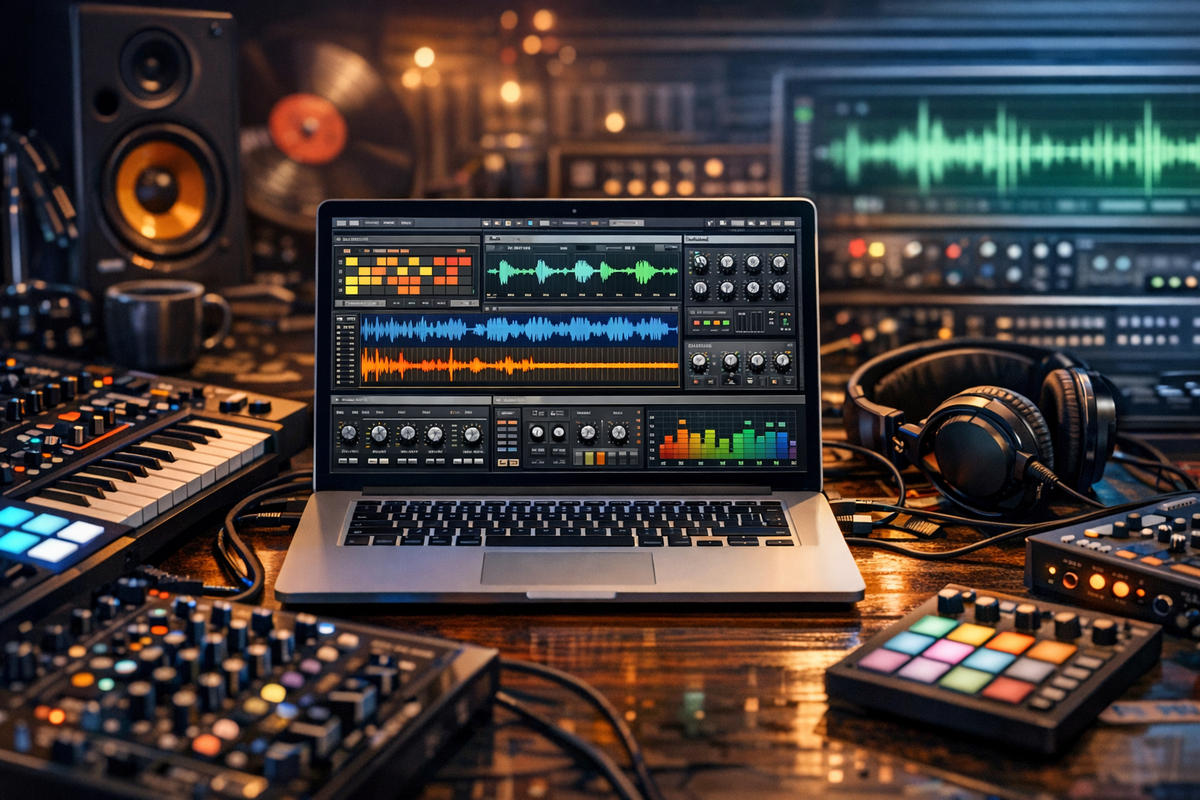
Look, I get it. You’re in the middle of a session, the creative juices are flowing, you’ve just found the perfect serum preset, and—crack—the dreaded "CPU Overload" pop-up kills the vibe. It’s like having a Ferrari but being stuck in a school zone. As someone who has spent more time troubleshooting DPC latency than actually finishing tracks, I’ve realized that your CPU isn't just a spec on a sheet; it’s the literal heartbeat of your studio.
The tech landscape in 2026 is wild. We’ve got 3D V-Cache, hybrid architectures, and Apple silicon that seems to defy the laws of thermodynamics. If you’re looking to build a new rig or upgrade your laptop to handle those 100+ track projects without breaking a sweat, you’re in the right place. Let’s geek out together and find you the perfect brain for your DAW.
Why the CPU is the Most Critical Component for Audio
In music production, the Central Processing Unit (CPU) does the heavy lifting for every single plugin, virtual instrument (VSTi), and automation curve you draw. Unlike video editing or gaming, which can offload a lot of work to the GPU, audio is almost entirely a CPU-bound game.
Single-Core vs. Multi-Core Performance
This is where most people get tripped up. Most modern Digital Audio Workstations (DAWs) like Ableton Live 12, FL Studio, and Logic Pro handle tracks in a parallel fashion (multi-core), but a single "signal chain" (like a vocal track with a compressor, EQ, and three heavy saturators) must be processed by a single core sequentially.
- Single-Core Speed: Crucial for complex, serial processing chains.
- Multi-Core Count: Crucial for running many different tracks and instruments simultaneously.
Best High-End CPUs for Professional Producers (2026)
If you are a professional composer working with massive orchestral libraries (like Spitfire or Orchestral Tools) or a mixing engineer with hundreds of plugins, you need a flagship.
1. AMD Ryzen 9 9950X3D: The Undisputed King
As of early 2026, the AMD Ryzen 9 9950X3D is the gold standard. What makes it special for us "audio nerds" isn't just the 16 cores; it's the 3D V-Cache.
- The Benefit: Large amounts of L3 cache (144MB in this case) significantly reduce the "bottleneck" when the CPU tries to access data. For sample-heavy sessions, this translates to snappier performance and fewer dropouts.
- Performance: It can comfortably handle 200+ tracks with heavy plugin chains.
2. Intel Core Ultra 9 285K: The Multitasking Powerhouse
Intel’s latest "Arrow Lake" successors have moved away from the heat-heavy designs of the past. The Core Ultra 9 285K uses a hybrid architecture of Performance-cores (P-cores) and Efficient-cores (E-cores).
- The Benefit: Excellent for background tasks. While your DAW eats the P-cores, your OS and background apps stay on the E-cores, keeping your audio stream clean.
- Stability: Intel still holds a slight edge in Thunderbolt 4 stability and DPC latency management in some Windows environments.
Best Value CPUs for Home Studios and Mid-Range Budgets
You don't need to spend $700 to get a killer studio. In fact, some of the best "bang for buck" options in 2026 are found in the mid-range.
AMD Ryzen 7 9800X3D
This is the "sweet spot" CPU. With 8 cores and that legendary 3D V-Cache, it punches way above its weight class. For a typical electronic music producer or a rock band tracking 16-24 inputs, this is more than enough power.
Intel Core Ultra 7 265K
A solid alternative for those who prefer the Intel ecosystem. It offers a great balance of single-core speed (essential for those hungry synth plugins) and enough multi-core headroom for complex mixing.
Desktop vs. Laptop: The Portability Trade-off
The Mac Factor: M4 Pro and M4 Max
We can't talk about music production without mentioning Apple. The MacBook Pro with M4 Pro/Max (released late 2025) is a beast.
- Pros: The unified memory architecture is incredibly fast for loading samples. Also, they are nearly silent—an absolute blessing if you record vocals in the same room as your computer.
- Cons: You cannot upgrade them. If you buy 16GB of RAM today, you are stuck with 16GB forever. For 2026 standards, I highly recommend 32GB minimum for any serious work.
Windows Laptops: The Razer Blade and Dell XPS
For the Windows crowd, the Dell XPS 16 and Razer Blade 16 (2026 models) utilize the latest high-TDP Intel chips. They offer great performance but be prepared for the fans to kick in during a heavy export.
Key Specs to Look For (Beyond the Marketing)
When you're browsing through Newegg or Amazon, don't just look at the "i7" or "Ryzen 9" label. Look at these specific metrics:
| Feature | Minimum (Beginner) | Recommended (Pro) |
| Cores | 6 Cores | 12+ Cores |
| Base Clock | 3.0 GHz | 3.8 GHz+ |
| L3 Cache | 16MB | 64MB - 128MB+ |
| RAM | 16GB DDR5 | 64GB DDR5 |
Thermal Throttling: The Silent Killer
A fast CPU is useless if it gets too hot and slows down (throttles). Ensure your build includes a high-quality AIO (All-In-One) liquid cooler or a massive air cooler like the Noctua NH-D15. Silence is golden in a studio, so look for "Low Noise" adapters.
Benchmarking Your DAW: How Much Power Do You Actually Need?
It helps to know how different DAWs utilize your CPU.
- Ableton Live: Great at spreading tracks across cores, but sensitive to single-core speed for the "Master" chain.
- FL Studio: Highly optimized for multi-threading. It loves high core counts.
- Pro Tools: Requires high stability. Often favors Intel/Avid-certified configurations.
- Logic Pro: Perfectly optimized for Apple Silicon (M-series) chips.
For more technical benchmarks, check out Scan Pro Audio, which provides the most in-depth DAW-specific CPU testing on the web.
Don't Forget the Supporting Cast (RAM & SSD)
A CPU is like a genius who can think a million miles an hour, but if he has a tiny desk (RAM) and a slow filing cabinet (SSD), he can’t do his job.
- RAM: In 2026, DDR5 is the standard. Aim for at least 5200MHz speeds.
- SSD: Use an NVMe Gen5 drive for your OS and your "current projects." Use a larger, cheaper Gen4 drive for your sample libraries. This prevents the CPU from waiting on the drive to "feed" it data.
Building for the Future: Socket Longevity
If you’re building a PC, consider the AMD AM5 platform. AMD has a history of keeping the same socket for many years, meaning you might be able to drop a new 2028 CPU into your 2026 motherboard. Intel’s LGA 1851 socket (for Core Ultra) is also expected to have a decent lifespan, but historically, Intel changes sockets more frequently.
Summary: My Top Picks for 2026
- The Absolute Best: AMD Ryzen 9 9950X3D
- The Best for Mac Users: MacBook Pro M4 Max
- The Budget King: Intel Core Ultra 5 245K
- The All-Rounder: AMD Ryzen 7 9800X3D
Conclusion: Don't Let Specs Stifle Your Creativity
At the end of the day, remember that some of the greatest albums in history were recorded on gear that had less processing power than your modern toaster. While a shiny new Ryzen 9 or M4 Max will definitely make your life easier and your workflow smoother, don't let "gear acquisition syndrome" keep you from making music.
Pick a CPU that fits your budget, ensures your DAW doesn't crash, and then get back to what really matters: finishing those 300 unfinished projects sitting in your "Demos" folder. We've all been there!
If you're stuck between two options or worried about motherboard compatibility, drop a comment or hit up a forum like Gearspace. The community is always happy to help a fellow noise-maker.
Happy producing, and may your buffer size stay low and your inspiration high!
Disclaimer: Prices and availability are subject to market fluctuations. Always check for the latest BIOS updates to ensure maximum stability for your audio interface drivers.